Domains
 Register Domain
 Transfer Domain
 Hosting
 Web Hosting
 AI Web Hosting
 Wordpress Hosting
 SEO Tools
 Knowledgebase
 Products
 Website Security
 Website Security
 About Company
 Refund Policy
 Privacy Policy
 Terms And Conditions
 Support
 Open Ticket
 Contact Us
 News
News
The Dangers of Keeping Unused WordPress Site Plugins
A WordPress site can look healthy on the surface, pages load, the admin feels normal, and uptime charts stay green. Yet the /wp-content/plugins folder often tells a different story. Old experiments, replaced features, and “we might need it later” installs sit there like forgotten boxes in a closet.
Here’s the problem: deactivated isn’t deleted. The files remain on disk, and in many cases they’re still reachable over the web. That quietly expands your attack surface, even if the plugin never runs in WordPress again. Attackers don’t guess, they scan, looking for known plugin bugs and predictable paths.
Keeping unused plugins is like leaving old keys under the doormat. You may not use them anymore, but someone else can.
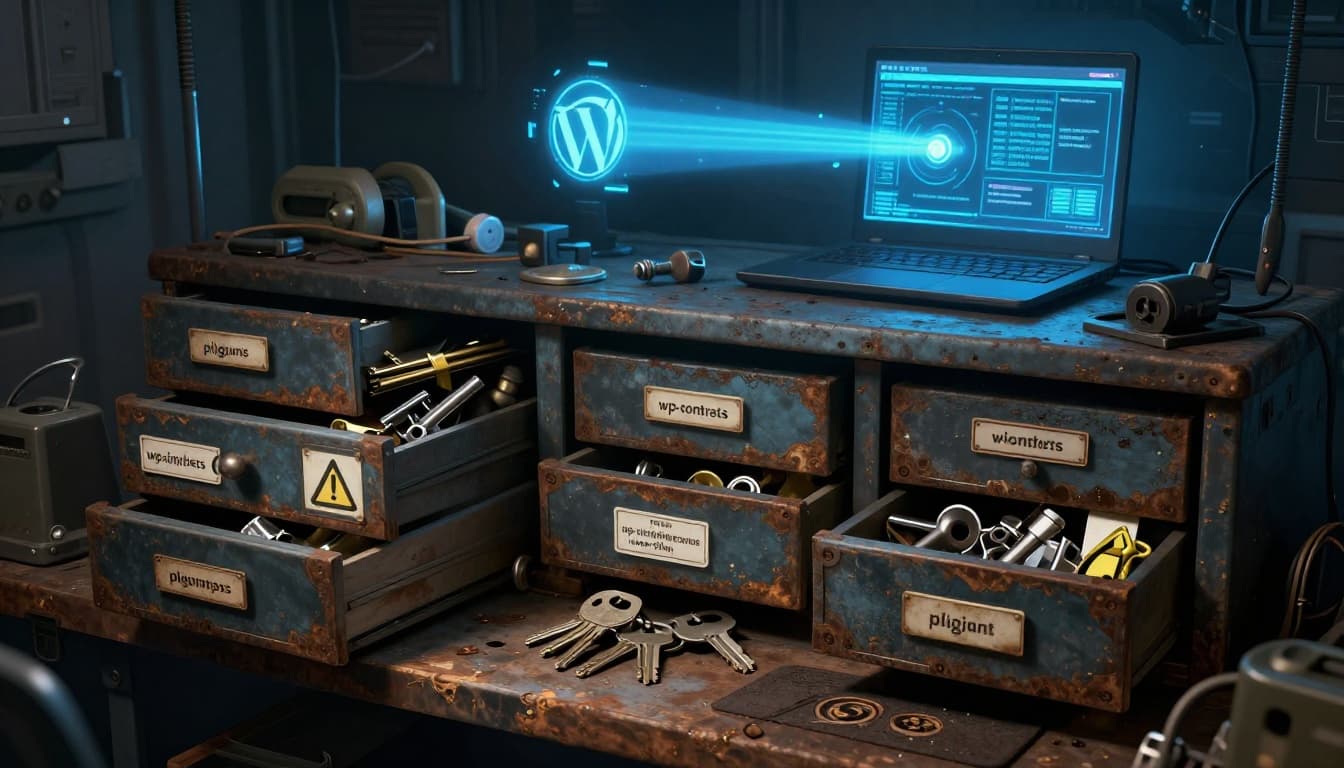
Unused plugins visualized as a cluttered toolbox with “spare keys” nearby.
Why unused WordPress plugins are a real security risk, even when they’re inactive
Inactive plugins feel harmless because WordPress stops loading their hooks. However, real compromises often start outside the normal plugin boot path. Attackers hunt for weak files, outdated libraries, and exposed endpoints, then they poke until something answers.
Deactivated is not removed, and direct file access can still be exploited
Deactivating a plugin mostly flips an internal switch. WordPress stops calling its activation hooks and stops loading it on every request. But the plugin folder and its contents stay right where they were.
That matters because many plugin files sit in web-accessible paths. If a plugin includes a poorly protected script, an upload handler, or an AJAX endpoint that doesn’t correctly verify capability and nonce, an attacker may hit it directly. In those cases, the WordPress “inactive” state doesn’t help, because the vulnerable file can still execute when requested.
Common patterns that show up in incident reports include:
- Direct-access PHP scripts that assume
ABSPATHis defined or that WordPress bootstrapped first. - File upload flaws where a script accepts a file and stores it in a predictable location.
- Exposed assets and endpoints that reveal versions, paths, or sensitive data, which then help chain an attack.
Even when a plugin doesn’t have an obvious “run this PHP file” script, leftover third-party libraries can create trouble. A buried dependency might contain an old vulnerability that scanners already know how to probe. In other words, unused plugin code still exists as a target, and the web server doesn’t care whether you clicked “Deactivate.”
If you don’t need a plugin, removing its files is the only way to make its web paths disappear.
Old vulnerabilities pile up, and attackers scan for them nonstop
Plugin vulnerabilities age like milk, not wine. Once a bug becomes public, it spreads fast. Proof-of-concept code gets shared, scanners add signatures, and botnets go looking for the same file paths across millions of sites.
Recent security reporting underscores the pattern. Data published in 2025 showed 92% of successful WordPress breaches came from plugins and themes, not WordPress core. That’s not because core is perfect, it’s because plugin sprawl creates more chances to miss an update. The same research noted attackers begin probing within hours of a patch release, while many site owners take days to update. That time gap is where mass exploitation thrives.
You’ll also see the term abandoned plugin used a lot. In practice, it means the plugin hasn’t been updated for a long time, often because the maintainer moved on. In 2024 alone, 1,614 plugins were removed from the WordPress repository, and 1,450 of those had serious or medium vulnerabilities reported. Removal from the repository doesn’t remove it from your server.
A neglected plugin list turns into a timeline of old mistakes. Each leftover folder becomes one more “does this site still have X version?” check for automated scanners. The more leftovers you keep, the easier you make that scan.
For developers, the simplest defense often starts with infrastructure basics too. If you’re tightening security and patching habits, solid managed WordPress hosting can help by pairing performance with monitoring and support, but it can’t compensate for plugin clutter you never remove.
The hidden costs, performance drag, and maintenance headaches you invite
Security gets the headlines, but unused plugins also waste time in quieter ways. They slow down upgrades, muddy debugging, and make routine ops feel like walking through a storage room with the lights off.

Plugin and database bloat shown as physical clutter around a server rack.
More code to audit, more surprises during core and PHP updates
Even inactive plugins influence maintenance because they raise the number of things you must account for during change. When you bump PHP, update WordPress core, or refresh a theme stack, forgotten plugin folders become unknown variables.
Some common “surprise” sources:
- Autoloaded options left behind in
wp_optionsthat still load on every request. - Scheduled cron events that keep firing, even after you stop using the UI.
- Old tables and custom post types that affect queries or migrations.
- Leftover files that mimic must-use behavior, such as dropped-in loaders, custom drop-ins, or bundled libraries that other code includes.
A familiar scenario: staging works, production breaks. The diff looks clean. Then someone notices production still has a dusty plugin folder with an old vendor library. A deployment script didn’t touch it because it lived outside the tracked build. Now a core update changed load order, and that forgotten code trips a fatal error only in production.
You can avoid a lot of this by keeping your runtime surface small. Less installed code means fewer dependencies to reason about when you’re moving fast.
Bloat builds up in the database and filesystem, and troubleshooting gets slower
Plugin “uninstall” varies widely. Some plugins clean up well. Others leave breadcrumbs everywhere. Even when the plugin is inactive, those leftovers can keep affecting you.
Database leftovers usually hurt the most:
- Tables that inflate backups and slow restores.
- Transients that clutter storage and confuse debugging.
- Autoloaded rows that increase memory use and slow admin screens.
- Cron hooks that spam logs or execute expensive tasks.
Filesystem bloat matters too. Backups run longer, and restores take more time during incidents. Even code review gets noisier when you must account for odd folders, old assets, and mystery libraries. During an intrusion investigation, extra plugin directories also make it harder to see what changed, because there’s more surface to compare and more places to hide a backdoor.
In short, unused plugins don’t just sit there. They make every routine task feel heavier.
A safe cleanup routine developers can follow without breaking the site
Cleaning plugins shouldn’t feel like pulling random wires from a live panel. With a calm process, you can reduce risk without causing downtime.

A developer reviewing plugins with staging and backup in view.
Do a quick plugin inventory and decide what to delete, replace, or keep
Start with a plain inventory. Don’t trust memory, because teams change and features drift. For each plugin, make a quick call: delete, replace, or keep.
A simple decision checklist helps:
- Does the site use its shortcodes anywhere (posts, widgets, templates)?
- Does custom code call its functions, hooks, or classes?
- Does it power a payment, email, auth, or API integration?
- When was the last update, and does it have an active maintainer?
- Can modern WordPress features replace it now (block editor, native embeds, core APIs)?
- Is there a safer alternative, or a lightweight snippet you can own?
If the plugin is inactive and no longer referenced, treat it as candidate for removal, not as “maybe later.”
Remove plugins the right way: backup, test, delete, then clean leftovers
Use a sequence you can repeat every release cycle:
- Take a backup you can restore quickly (files and database).
- Clone to staging that matches production as closely as possible.
- Deactivate the plugin in staging and run a fast smoke test (front-end, login, checkout, forms, cron tasks).
- Delete the plugin, don’t just leave it inactive.
- Re-test, then deploy the change to production during a low-risk window.
After deletion, clean leftovers carefully. Remove tables or options only when you confirm ownership. Also check for orphaned cron events and autoloaded options that keep loading. When in doubt, document what you found and schedule a second pass rather than guessing.
Finally, build a light habit: review plugins monthly or as part of your release checklist. A tight plugin list stays tight only if you keep trimming.
Conclusion
Unused plugins aren’t neutral baggage. They increase risk, add maintenance friction, and slow down troubleshooting when you least have time. The fix doesn’t require heroics, just a steady routine: inventory what’s installed, delete what you don’t use, and keep what remains updated.
Set aside the next maintenance window for a cleanup pass, starting with inactive and long un updated plugins. Your WordPress sites will be easier to patch, easier to debug, and harder to compromise.