
Hosting
How to Choose the Right Web Hosting Plan as a Beginner
Choosing a web hosting plan can feel harder than building the site itself. New site owners see storage limits, uptime promises, and extra features before they know what matters.
Published May 19, 2026 · Updated July 25, 2026
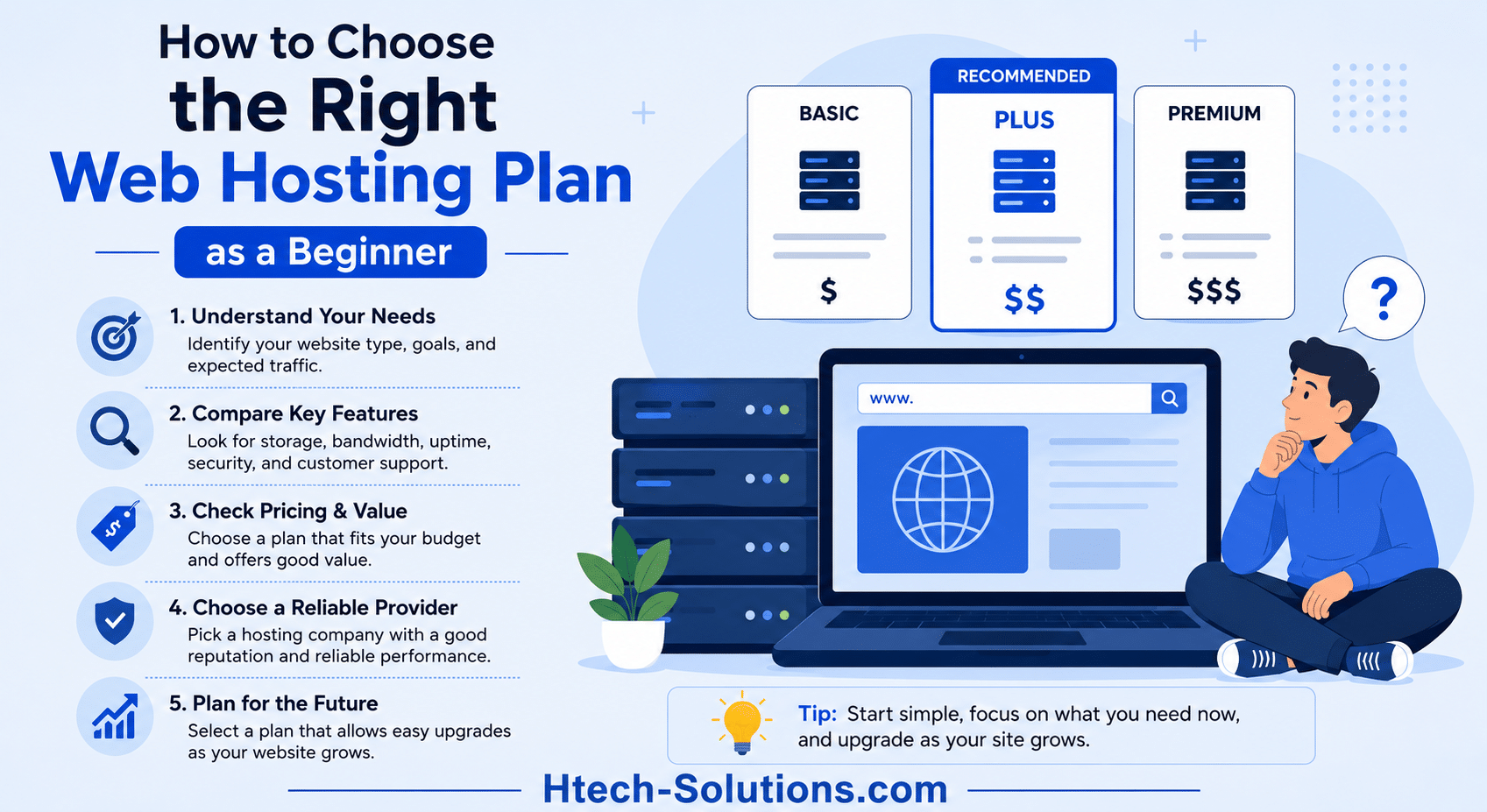
Choosing a web hosting plan can feel harder than building the site itself. New site owners see storage limits, uptime promises, and extra features before they know what matters.
The good news is that web hosting gets much easier once you focus on the basics: speed, support, security, and price. You don't need the biggest plan. You need one that fits a small site now and still gives you room to grow later.
Start with what your website actually needs
The right hosting plan depends on your site, not on the most expensive package on the screen. A personal blog, a freelance portfolio, and a small online store don't need the same setup.
That matters because many beginners overbuy. They pay for server power, tools, or limits they won't touch for months. In most cases, a smaller plan keeps costs down and setup simple.

Match the plan to your site type and traffic goals
Most first websites do well on shared hosting or a starter cloud plan. If you're launching a blog, resume site, portfolio, or simple business page, that's often enough. You get a place to host the site, connect a domain, and publish without paying for more than you need.
A basic business site with a contact form, service pages, and a few images usually runs fine on a starter plan. The same goes for a new WordPress blog with light traffic.
Still, some sites need more breathing room. If you're opening a store, adding lots of product pages, running heavy plugins, or expecting traffic from ads, choose a plan with more resources. Managed WordPress hosting can also make sense if you want easier updates and a simpler setup.
Start with the smallest plan that fits your site today, then upgrade when traffic or features make it necessary.
Decide what features you really need on day one
Beginners often get distracted by long feature lists. A better move is to focus on what helps you launch and stay safe.
On day one, the basics are clear: free SSL, automatic backups, easy WordPress setup, email if you need it, and a simple control panel. Those features save time and reduce mistakes.
Other tools can wait. A CDN, staging area, or advanced security add-ons may be useful later, but they aren't required for every new site. If a host makes the simple tasks easy, you're off to a strong start.
Look for the hosting features that make life easier
Once you know the size of plan you need, compare the parts that affect daily use. Big storage numbers look nice, but they don't matter much if the host is slow or hard to manage.
Choose speed and reliability first
A slow site feels untrustworthy. People leave when pages drag, and search engines don't love poor performance either. That's why speed and uptime belong near the top of your checklist.
A 99.9% uptime promise is a solid baseline. It won't make your site perfect, but it shows the host takes reliability seriously. You should also look for features that help sites stay fast under normal traffic, such as optimized servers, caching tools, CDN support, and account isolation.
For example, CloudLinux isolation helps keep one exposed account from affecting others on the same server. Tools like AccelerateWP can also help WordPress sites load faster without much hands-on work.
Make sure security and backups are built in
Security should not be an upgrade prompt after checkout. A beginner plan should already include free SSL, which encrypts traffic and gives visitors a safer connection.
It's also smart to look for malware scanning, firewall protection, and DDoS defense. Those features won't stop every problem, but they lower the risk.
Backups matter just as much. A broken plugin update, a bad edit, or a hacked file can take a site down fast. Automatic backups give you a way back. Easy restore tools matter too, because beginners need more than a backup file, they need a simple way to use it. Htech-Solutions, for example, includes free SSL, DDoS protection, and automated backups with JetBackup-style restore options, which is the kind of setup that helps new site owners recover quickly.
Pick a plan that is easy to manage and get help with
A clean dashboard saves time every week. So does cPanel, especially if you're learning how domains, email, files, and databases work.
One-click installs also help. If you want WordPress, a contact form app, or another common tool, setup should take minutes, not an afternoon.
Support matters as much as storage. Most beginners need help with domain connection, email setup, or WordPress settings at some point. That's why helpful support, a solid knowledgebase, and clear ticket replies are worth paying for. Htech-Solutions leans into that beginner-friendly mix with cPanel, one-click installs, and self-serve guides that keep common tasks simple.
Compare pricing the smart way before you buy
Price gets attention first, but the cheapest intro offer is not always the best deal. A low first-year number can hide a high renewal rate or extra fees for things you assumed were included.
Check renewal rates, limits, and extras
Before you buy, compare the full cost of ownership, not only the sale price. Read the plan details in plain language and look for common add-on charges.
A quick review should cover:
- the renewal price after the intro term
- storage and bandwidth limits
- email accounts and mailbox size
- domain registration or renewal fees
- backup and restore costs
- SSL and security add-ons
A plan can look cheap at checkout and feel expensive later. If backups, email, or security cost extra, your total bill may rise faster than expected.
Avoid paying for a plan that is too big
New site owners rarely need a VPS, dedicated server, or a heavy managed setup right away. Those options have a place, but usually not on day one.
Starting small is often the smarter move because it keeps your monthly cost low. Then, when traffic grows, products expand, or client work increases, you can move up to a larger plan with a clear reason. That works best when the host makes upgrades easy instead of forcing a full migration.
Conclusion
Hosting feels confusing at first because you see features before you see context. The best beginner plan keeps the basics strong: simple setup, solid speed, built-in security, helpful support, and fair pricing.
Start small if your site is small. As long as your host makes it easy to grow later, that's a smart choice.
Pick a plan that handles the essentials well, and you can spend your time building your website instead of worrying about hosting.