
Simple Hosting
What is Saas Hosting?
A Clear Guide for Cloud Hosting Shoppers SaaS software is an app you use over the internet, without installing it on your computer. If you've used webmail, streamed a show, or chatted in a team messaging tool, you've used the same idea.
Published October 27, 2023 · Updated July 25, 2026


SaaS software is an app you use over the internet, without installing it on your computer. If you've used webmail, streamed a show, or chatted in a team messaging tool, you've used the same idea. You sign in, the app runs in your browser (or mobile app), and it works from anywhere.
This matters when you're comparing cloud hosting options, because SaaS is one of the most common things that runs on the cloud. It changes what you should care about most, like uptime, speed, and security.
What is SaaS software and how does it work?
 Someone accessing a cloud app through a web login, created with AI.
With SaaS, the vendor hosts the application and the data in their cloud setup. You access it by logging in through a web browser or a mobile app. Because the provider runs the backend, updates roll out automatically, and you usually don't think about servers at all.
Think of it like renting an apartment instead of owning a house. You get a ready-to-use space, and the owner handles repairs. In the same way, the SaaS provider manages servers, patches, monitoring, and scaling when usage spikes. Meanwhile, you manage users, permissions, settings, and the information you upload.
Some SaaS products run on shared infrastructure (multi-tenant), while others give each customer a separate setup (single-tenant). Both can work well, depending on needs and budget.
The key parts of SaaS: app, data, and a subscription
You typically sign in with an account, then work inside the app right away. Your data stays online, so you can switch devices without losing progress. Pricing is usually monthly or yearly, and many tools include tiers, free trials, and paid add-ons for extra seats, storage, or features.
SaaS vs cloud hosting vs self-hosted software: what is the difference?
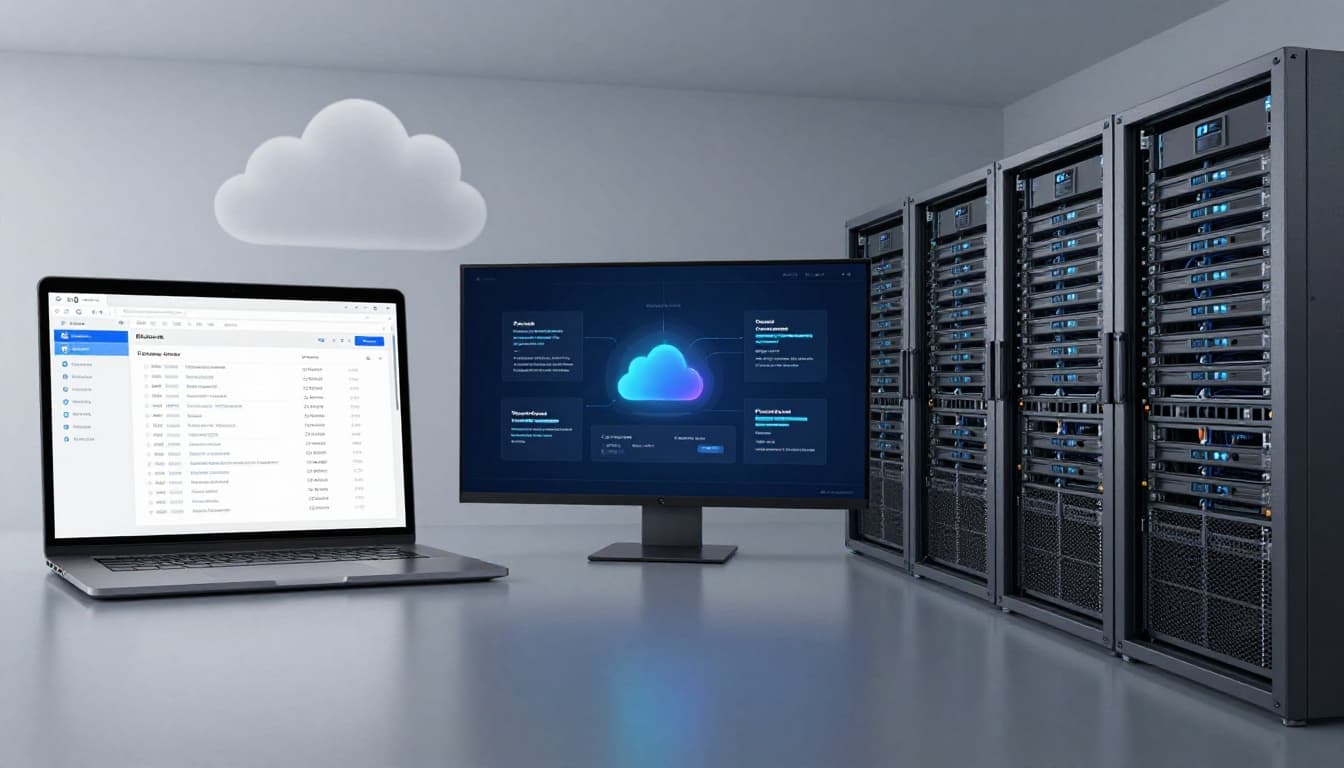 Side-by-side view of SaaS, cloud hosting, and on-prem servers, created with AI.
SaaS is a finished product you subscribe to. You don't pick the server size, tune databases, or deploy builds. You just use the software.
Cloud hosting is different. Here, you rent infrastructure or a managed platform to run your own app. That could be a website, an internal tool, or a product you sell. You control far more, but you also own more of the setup and maintenance choices.
Self-hosted software means you run the app on your own servers, usually in your office or a private data center. It can offer maximum control, but it also brings hardware costs, staffing needs, and slower scaling.
If you want to use an app, choose SaaS. If you want to build or fully control an app, look at cloud hosting.
When cloud hosting is the better fit than buying SaaS
Cloud hosting often wins when you need custom features, strict data rules, unusual performance demands, or full control over databases and networking. It's also the typical path if you're building a product for customers. The tradeoff is simple: more control, more work.
Why people choose SaaS and what to watch out for
People pick SaaS because setup is quick, upfront cost is lower, and updates happen in the background. It also scales easily as your team grows. Since it's internet-based, remote access is built in. Many providers include backups and security features, too.
Still, there are real risks. Subscription fees add up over time. Porting data out can be harder than it sounds, so vendor lock-in is a concern. Customization may be limited, and outages can happen. Security is also shared. The provider secures the platform, but you must secure access with strong passwords, roles, and MFA.
A quick SaaS checklist before you sign up
- Uptime target and SLA
- Data location and compliance fit
- Encryption (in transit and at rest)
- MFA and role-based access
- Backup and retention terms
- Data export options and format
- Support response times and real pricing after promos
Conclusion
SaaS software is a ready-to-use cloud app you access by logging in. Cloud hosting is where you run software you control. The right choice depends on convenience versus control, and how much work you want to own. Before you commit, use the checklist to compare options side by side. Then write down your must-have features and compare 2 to 3 providers.